Step by Step: Measure All Your Campaign Performance in One Place
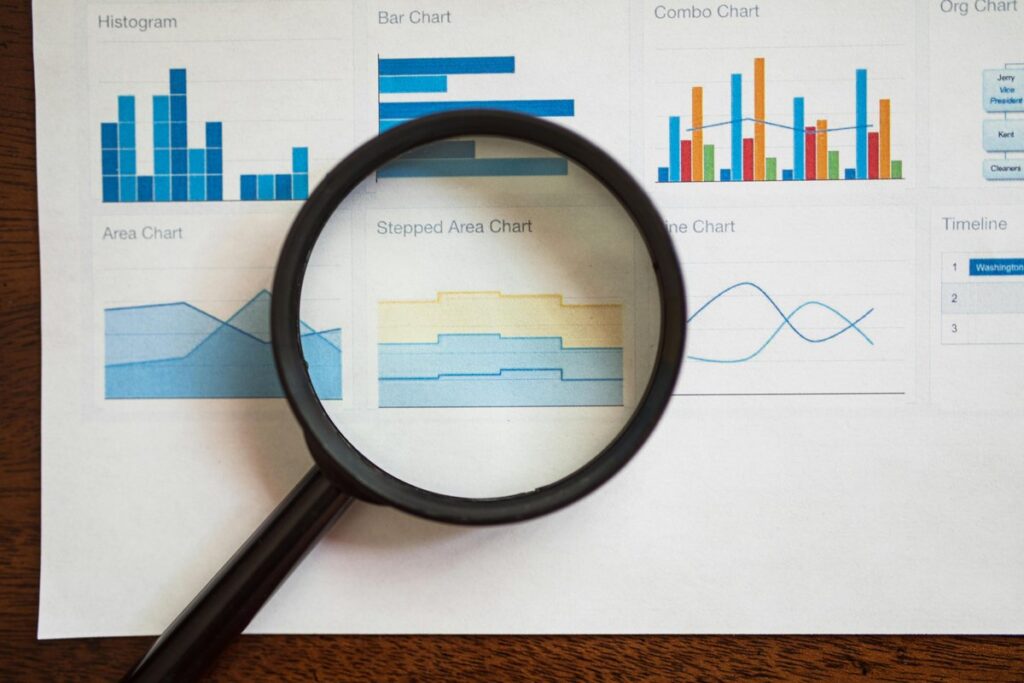
Running a modern marketing operation means juggling email blasts, social posts, paid ads, and plain old phone calls all at the same time. And here’s where it falls apart: every one of those channels reports its results in its own dashboard, and none of them speak the same language. Likes over here. Click-through rates over there. Closed deals sitting in yet another spreadsheet nobody has touched since March. Without a shared view, the full customer journey stays invisible, and those small tweaks that quietly grow revenue? You never even spot them. The real cost of scattered data isn’t just wasted ad spend. It’s slow decisions and constant guessing about what actually moves the needle. So let me walk you through a practical, step-by-step way to pull every campaign into one place, until your numbers finally tell a single, coherent story.
Table of Contents
Step 1: Define What ‘Performance’ Actually Means for You
Before you touch any software, figure out what you’re really trying to measure. Impressions and likes feel great. But they rarely have anything to do with money in the bank. The metrics worth your attention are the ones tied straight to revenue: qualified leads, pipeline value, closed deals. Pick a small, focused set of KPIs first, so your tools serve your goals instead of drowning you in noise. It also pays to map each campaign to a stage in the sales funnel – awareness, consideration, conversion, retention – because a metric only means something in context. You’d judge a top-of-funnel ad completely differently than a bottom-of-funnel email. No contest.
Tip: Grab a sticky note and write down your three most important metrics before you look at a single platform. If a dashboard can’t show those three clearly, it’s the wrong dashboard.
Step 2: Bring Every Channel Into a Single Source of Truth
Once you know what matters, the next job is consolidation. Feed every channel into one central system, usually a CRM or an analytics hub, and you strip out the duplicate records and messy, conflicting data that plague isolated tools. No more reconciling five exports by hand. Instead you get one clean view where every lead and conversion is already attached to the campaign that produced it. Here are the channels worth pulling together first:
- Email marketing – opens, clicks, and the replies that turn into actual conversations
- Paid advertising – Google, Meta, and any programmatic spend
- Social media – both organic engagement and boosted posts
- Organic search – traffic and leads arriving through SEO
- Phone and in-person outreach – calls, demos, and events
A modern CRM like EpicCRM can attach incoming leads and conversions to their originating campaign automatically, which saves your team hours of manual tagging and keeps the whole picture honest.
Step 3: Connect Campaigns to Real Revenue With Attribution
Attribution answers a deceptively simple question: which touchpoints actually influenced the sale? It’s tempting to credit whatever the buyer clicked last. But that final click usually rides on the back of earlier ads, emails, and conversations. Three models cover most needs. First-touch rewards whatever created the initial awareness, which is great for judging top-of-funnel work. Last-touch credits the final interaction, handy for spotting your closers. And multi-touch spreads the credit across the whole journey, giving you the fairest overall view. Once you link marketing activity to the deals sitting in your pipeline, you can finally see the real return each campaign delivers instead of some flattering fragment of it. That kind of clarity changes where you put your money.
Tip: Start simple. Pick last-touch or first-touch, get comfortable reading it, then layer in multi-touch once the basics feel like second nature. Complexity you can’t interpret is worse than a rough estimate you trust. Every time.
Step 4: Let AI Turn Raw Numbers Into Next Actions
Collecting unified data is only half the win. Interpreting it is where the real leverage lives, and this is exactly where AI earns its keep. Lead scoring ranks every incoming prospect by how likely they are to convert, so your reps pour their energy into the contacts most ready to buy instead of chasing cold ones. Sales forecasting studies your past campaign and pipeline patterns to predict which efforts will pay off next quarter, which gives you a head start on budget planning. Automated follow-ups keep warm leads engaged with timely, relevant messages, protecting the opportunities that would otherwise quietly go cold because someone forgot to hit reply. Think of these features less as data collectors and more as a tireless analyst who reads your unified numbers and tells you the smartest next move.
Step 5: Build One Dashboard and a Review Routine
Finish by building a single dashboard that puts spend, leads, conversions, and revenue right next to each other, so one glance tells you whether a campaign is earning its budget. But a view is only as good as the habit around it. So commit to a regular cadence – weekly for fast-moving paid campaigns, monthly for slower content efforts. And during each review, actually act on what you see: pause the campaigns that underperform, pour more into the ones proving their worth, and clean out stale records before they skew the numbers. One more thing, and it matters: share this dashboard across both marketing and sales. When everyone reads from the same scoreboard, the two teams stop arguing over whose numbers are right and start pulling toward the same revenue goals.
Frequently Asked Questions
Do I need expensive software to measure all my campaigns in one place?
Not really. Plenty of CRMs and analytics platforms consolidate channels at all sorts of price points, and several offer free or cheap tiers that work fine for small teams. What decides it is integration and data quality, not the size of the invoice. A cheaper tool that connects cleanly to your channels and keeps records tidy will beat a pricey one you never fully set up. So prioritize how well a system pulls your sources together over the length of its feature list.
How often should I check my campaign performance?
Match your review frequency to campaign length and spend. High-budget paid campaigns that shift daily deserve a weekly look, while long-running content or SEO efforts are perfectly fine reviewed monthly. Check too often and you’ll overreact to normal fluctuation. Check too rarely and small problems compound into big ones. Pick a consistent rhythm, put it on the calendar, and treat it like a standing appointment rather than an afterthought.
Bringing It All Together
Unified measurement follows a clear path: define the metrics that map to revenue, centralize every channel into one source of truth, add attribution so you know what really drives sales, apply AI to turn those numbers into action, and review the whole thing in one shared dashboard. Do all that and you swap guesswork for genuine clarity, plus you hand your team back the hours they used to burn stitching reports together. And no, you don’t need a flawless setup to start. Begin small, with one consolidated view of your most important campaigns, then expand as the habit sticks. The tools to make this real are well within reach for small and mid-sized teams. The payoff? More time spent selling, less time wondering what worked.